
Maestro
A closer look at what's happening inside a music session.
Transcript
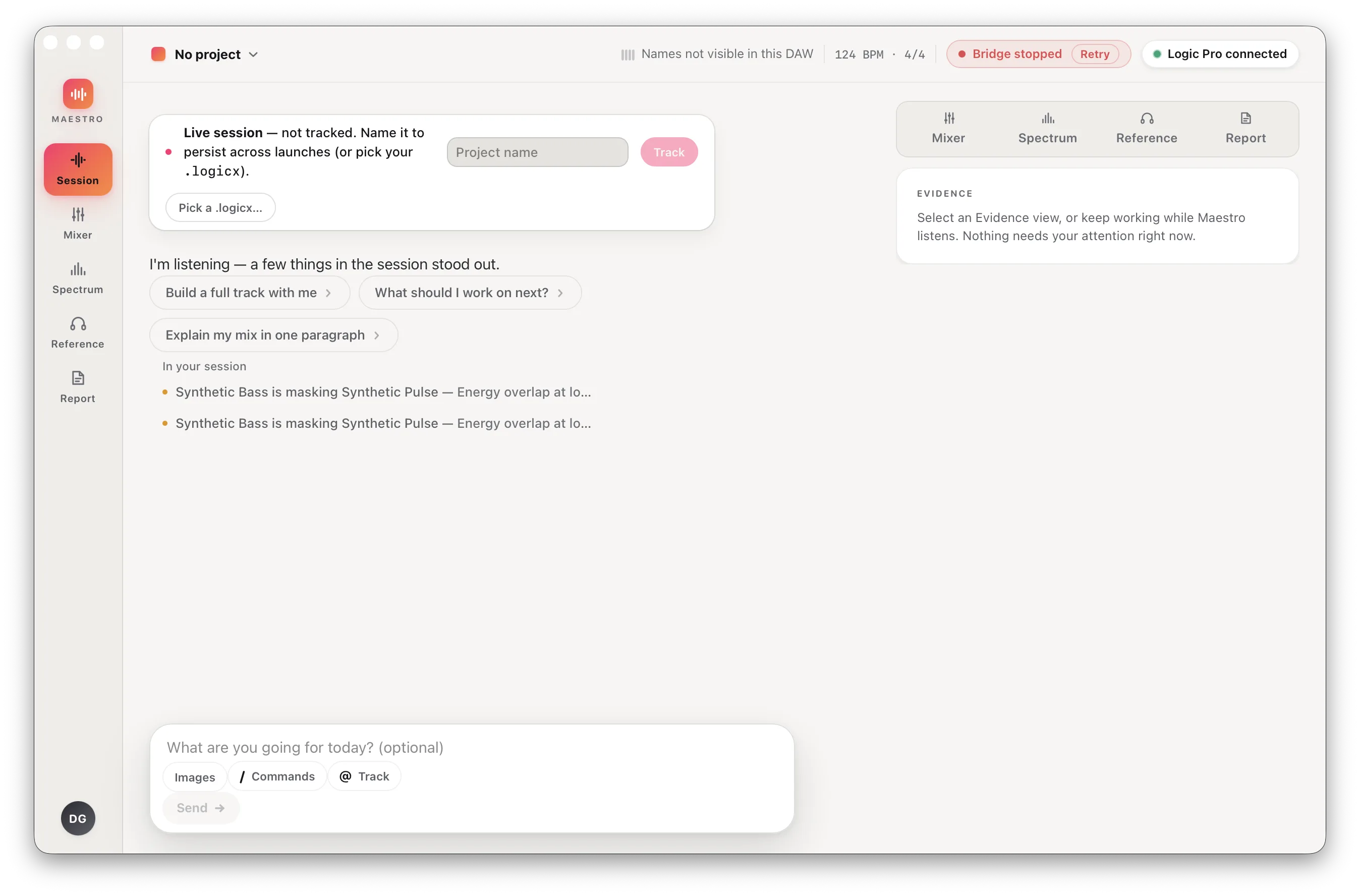
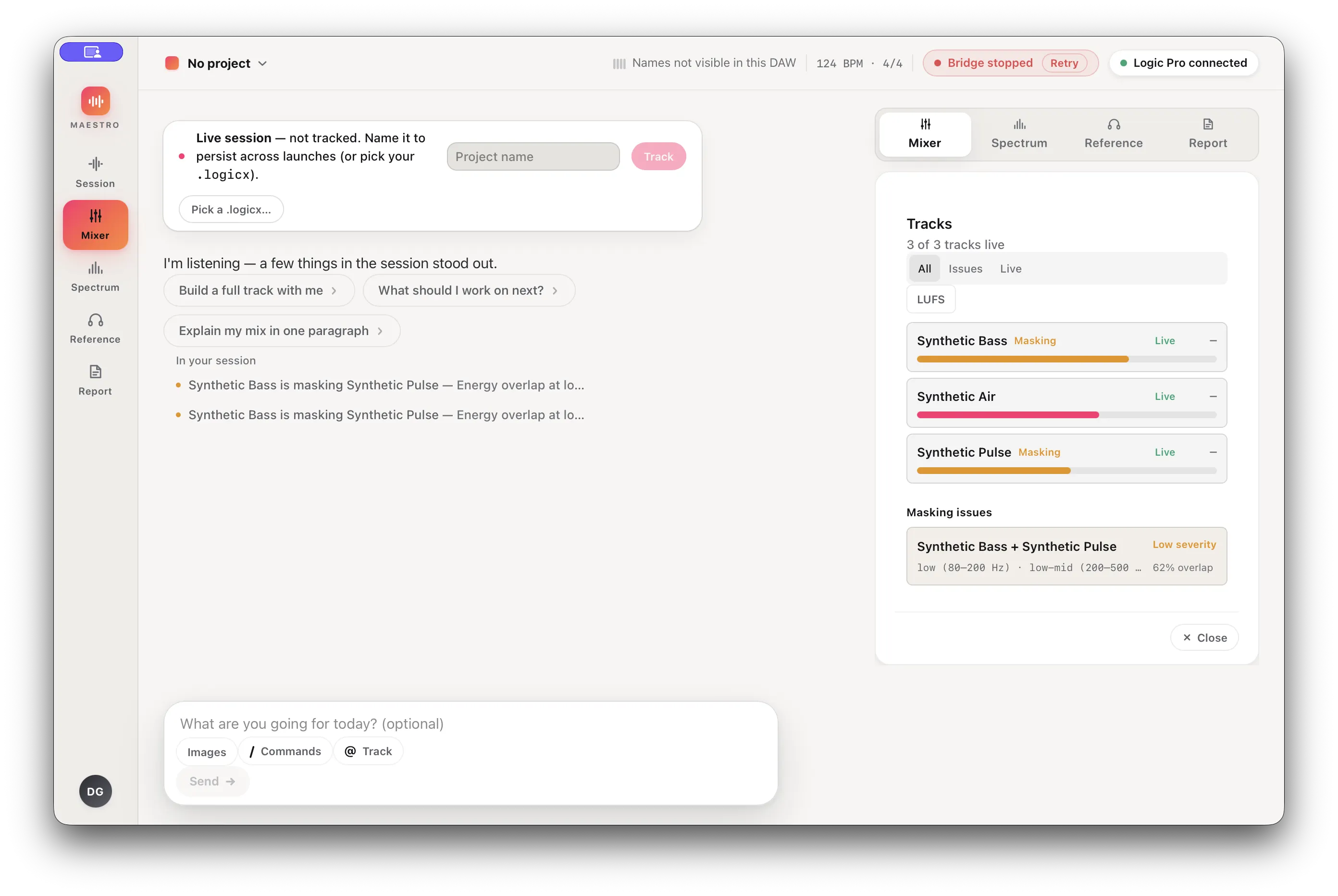
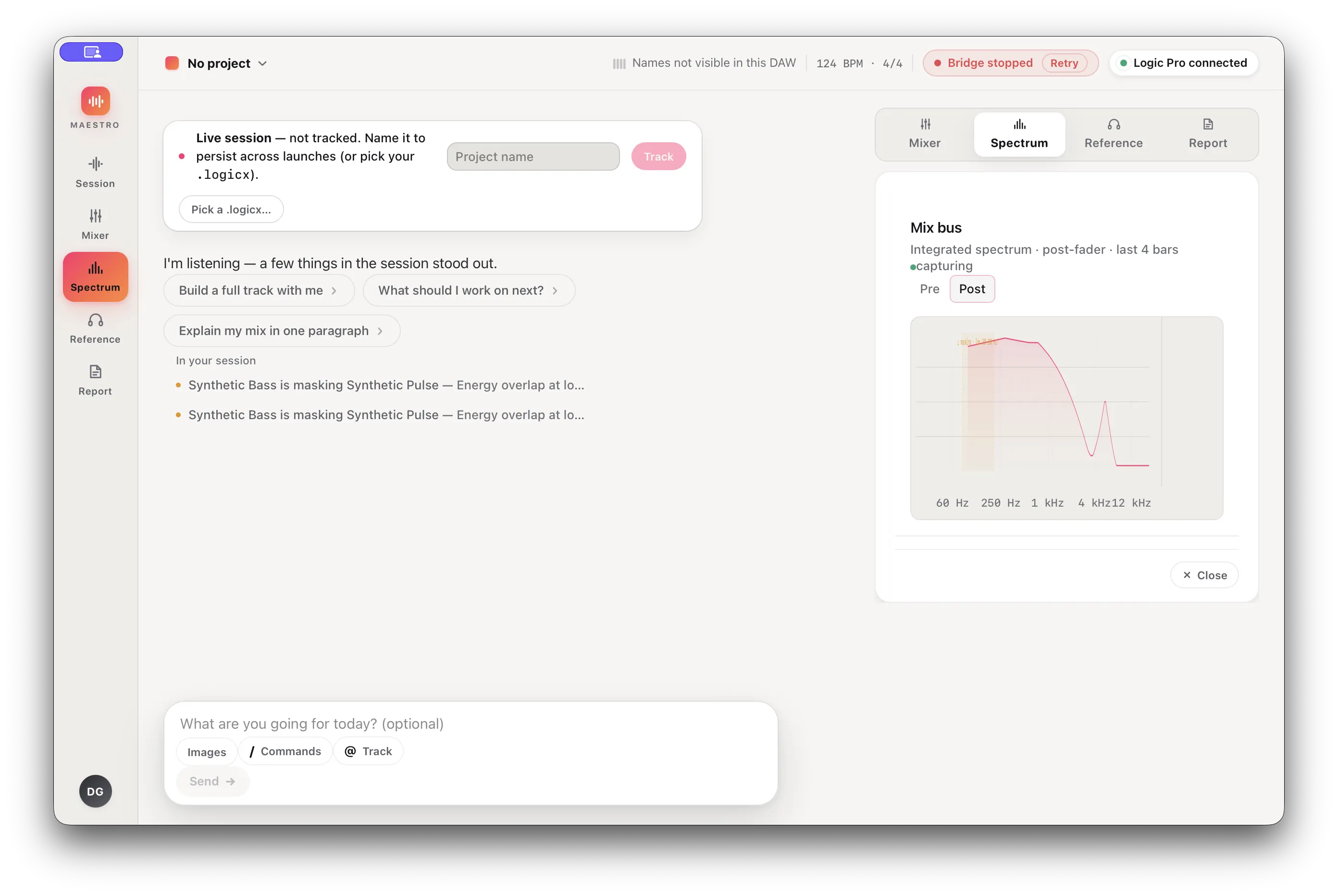
A title card establishes the recording scope. The local Maestro UI shows three generic tracks registering, the mixer view with a visible masking finding, and the spectrum view. The "Logic Pro connected" badge stays visible as recorded — it reflects synthetic plugin registration, not a real Logic Pro connection.
What's working, and what's still in progress
Missing or stale audio evidence stays visible in the UI instead of being papered over with a confident guess.
What's working
- Synthetic session registration and track ingest through the real local server
- Masking analysis surfaced per track, with the finding kept visible in the UI
- Mixer and spectrum views rendered by the real local application
Still in progress
- No AU/VST or FFT extraction from real PCM audio
- No Logic Pro or other DAW bridge — the bridge process is a safety stub
- No coaching API; the assistant panel is not wired to a model